TrainingCentral Solutions


Training Beyond Boundaries
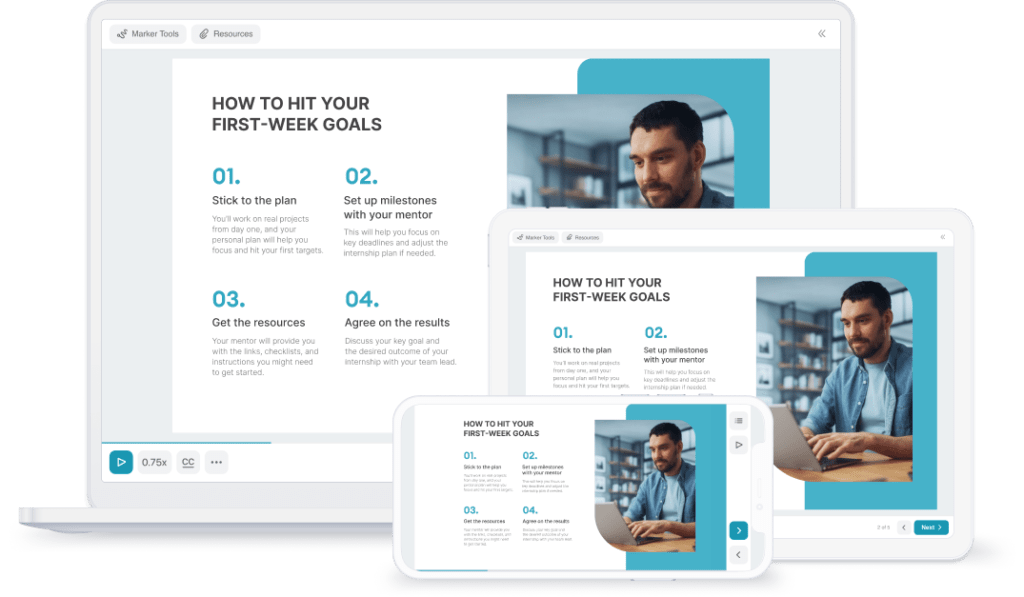













Great customer service always deserves recognition! Recently, I had the chance to interact with Training Central Solutions Pvt. Ltd. while getting started with the iSpring Authoring Tool, and the experience has been wonderful.
A big thanks to Miss. Sonal, who guided me through every step-from an in-depth demo to the final handover of my license. Her constant support, clear explanations, and responsiveness made the entire process smooth and easy to understand.
Already started working on an iSpring page and I’m especially loving the built-in interactivities that make content creation engaging and dynamic. I was looking for such features for a long time to enhance learner engagement-and iSpring delivers it beautifully.
Kudos once again to TrainingCentral Solutions Pvt. Ltd. and the iSpring Solutions for such seamless support and innovative solutions.

Ms. Komal Pathak
Senior Lead- ID & Development, Aspiring L&D Trainer
A big thank you to TrainingCentral Solutions Pvt. Ltd., especially Sonal Navalkar and iSpring Solutions, for their outstanding support during our onboarding and continued engagement. Appreciate their professionalism, responsiveness, and customer-first approach.

Mr. Vijay Sampath
Founder & CEO at Lookaheadnow.com,
On behalf of Sunarc Technologies Pvt. Ltd.
On behalf of Sunarc Technologies Pvt. Ltd.



























(Visited 16 times, 1 visits today)